On-Camera Tips for Podcast Hosts:

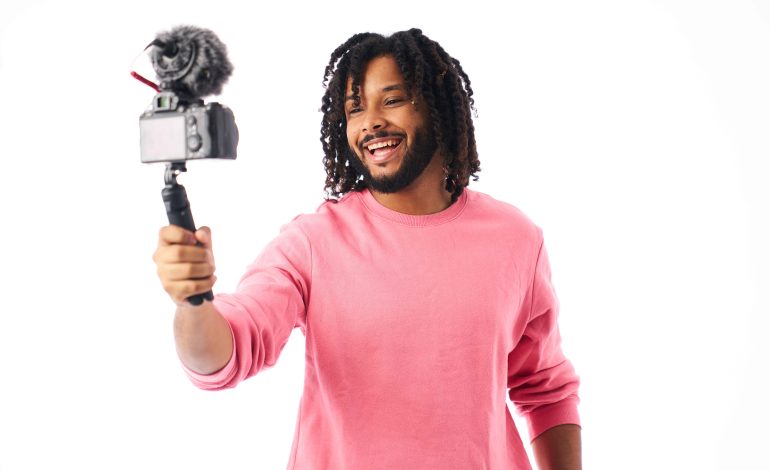
With the rise of video podcasts and platforms like YouTube, TikTok, and Instagram Reels, podcasting is no longer just an audio medium. Being on camera adds a new dimension to your podcast, helping you connect with your audience visually, build credibility, and attract new listeners. However, presenting yourself effectively on camera requires practice, strategy, and attention to detail.
Here’s a comprehensive guide to on-camera tips for podcast hosts.
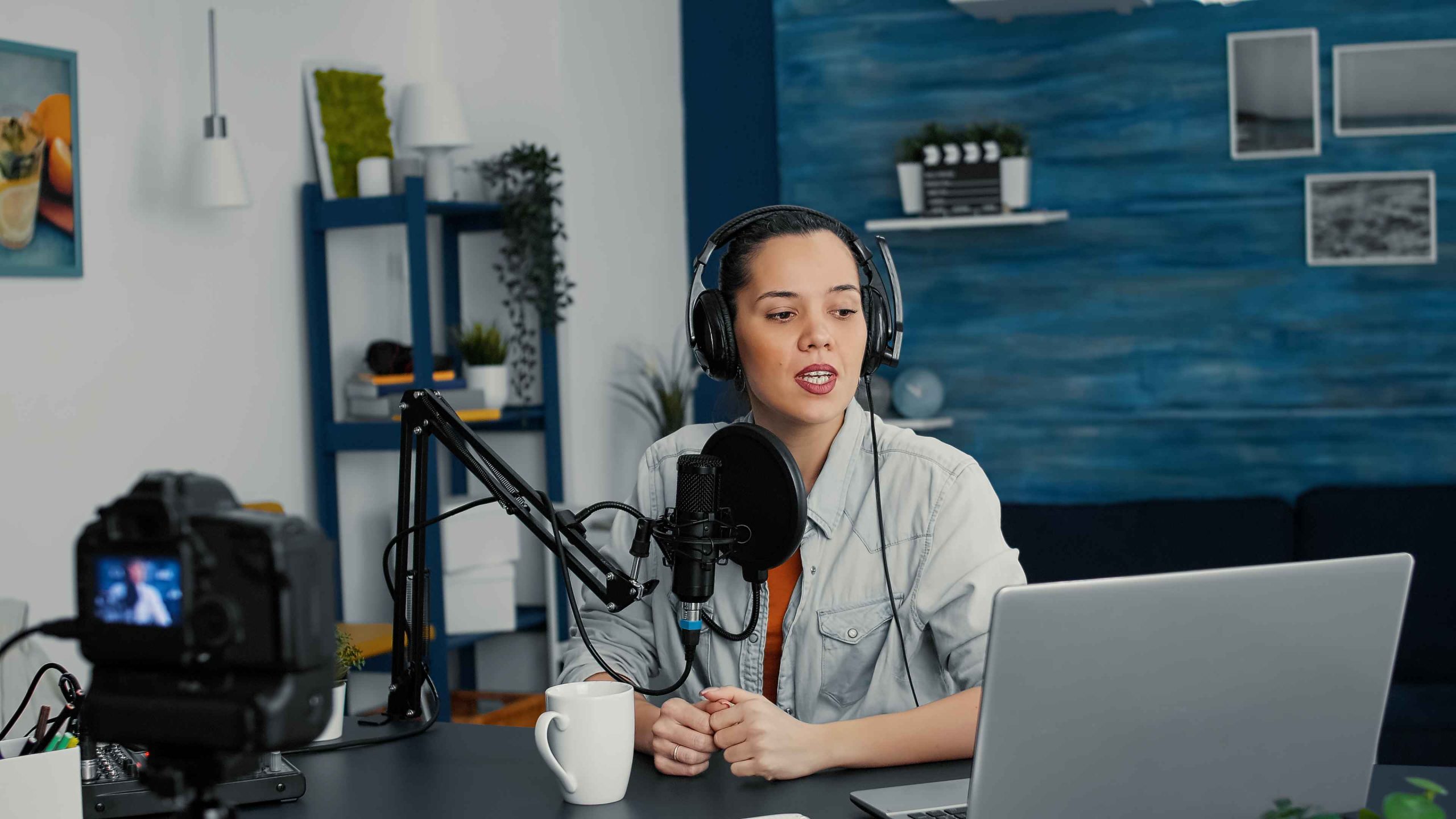
1. Prepare Your Space
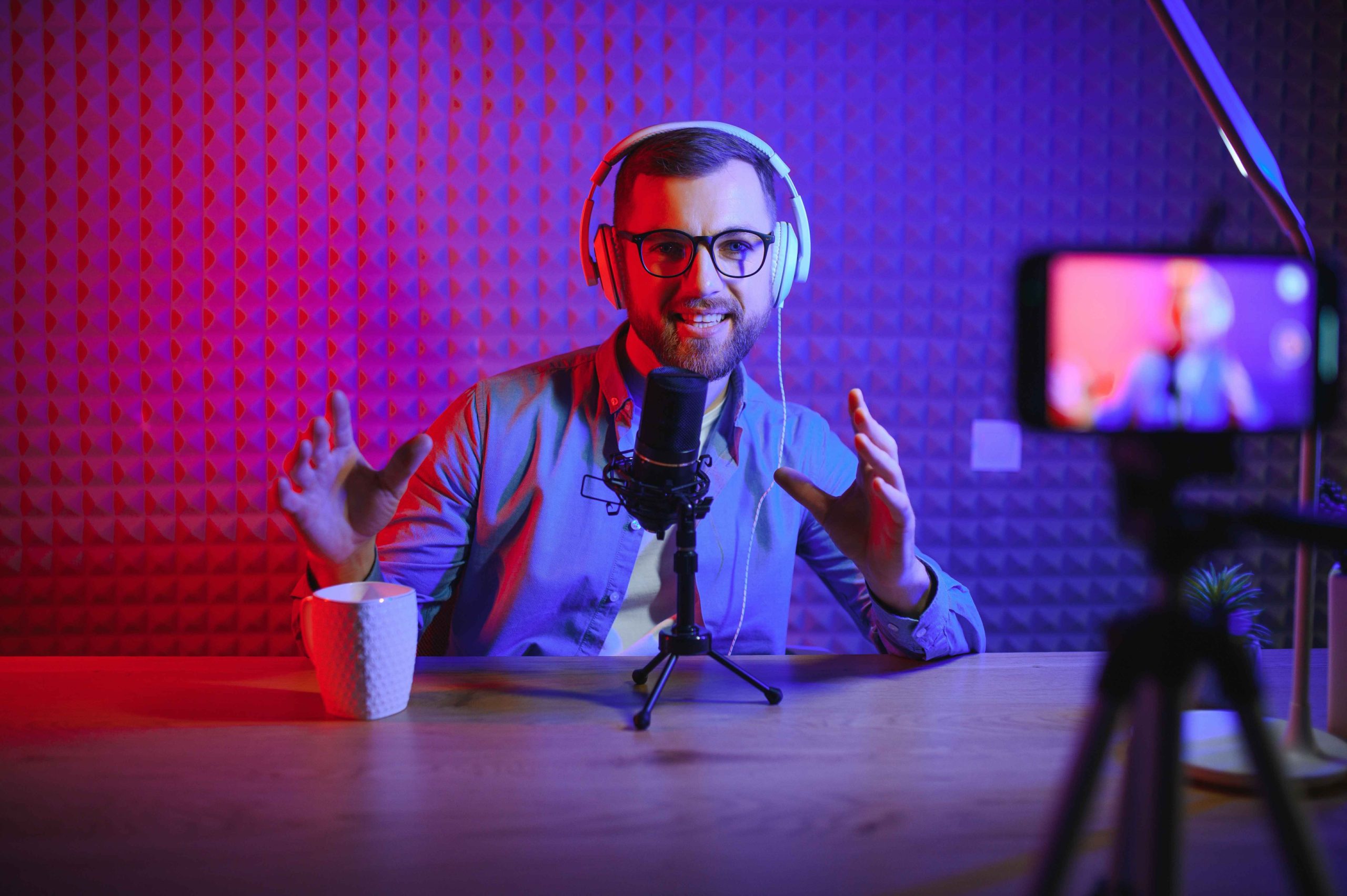
Your environment plays a huge role in how professional and engaging your podcast looks.
Tips for preparation:
-
Choose a quiet space free from background noise.
-
Ensure good lighting: Natural light works well, but softbox or ring lights provide consistent illumination.
-
Keep the background clean and visually appealing: Simple décor, podcast branding, or a subtle bookshelf works well.
-
Minimize distractions: Close doors, silence notifications, and inform others when recording.
Benefit: A well-prepared space sets a professional tone and keeps viewers focused on you and your content.
2. Dress for Success
Appearance matters on camera, even if your audience is primarily listening:
-
Wear solid colors that contrast with your background; avoid busy patterns or logos.
-
Dress comfortably but professionally, aligning with your podcast’s tone and audience.
-
Pay attention to grooming and personal presentation, as small details are noticeable on video.
Tip: Test your outfit on camera before recording to ensure it looks good under lighting.
Benefit: Professional appearance builds credibility and keeps viewers engaged.
3. Camera Position and Framing
How you position yourself on camera affects how viewers perceive you:
-
Keep the camera at eye level for a natural and engaging perspective.
-
Maintain proper framing: Typically, head and upper torso are visible with some space above your head.
-
Use a stable tripod or mount to avoid shaky footage.
-
Look directly at the camera when addressing your audience for a more personal connection.
Benefit: Proper framing and camera positioning make your podcast visually appealing and comfortable to watch.
4. Master Body Language and Facial Expressions
Non-verbal communication is crucial for on-camera presence:
-
Sit or stand upright with relaxed shoulders to convey confidence.
-
Use natural gestures to emphasize key points, but avoid excessive movement.
-
Smile and show warmth to create a welcoming vibe.
-
Maintain eye contact with the camera, not just your script or screen.
Benefit: Engaging body language helps viewers connect with you emotionally and keeps them watching longer.
5. Speak Clearly and Confidently
Your vocal delivery matters as much as your visual presence:
-
Speak slowly and clearly to ensure understanding.
-
Vary your tone and pace to avoid monotony.
-
Pause briefly after key points for emphasis and to give viewers time to absorb information.
-
Practice good microphone technique to maintain consistent audio quality.
Tip: Record short practice clips to review and adjust your speaking style.
Benefit: Clear, confident speech improves engagement and keeps your audience focused on your message.
6. Engage With Your Audience
On-camera podcasts allow you to connect directly with viewers in ways audio alone cannot:
-
Address your audience personally: “If you’re watching this, you’ll find this tip useful…”
-
Encourage interaction: Ask questions, invite comments, or suggest sharing the episode.
-
Highlight visual elements, props, or slides when discussing key points.
Benefit: Active engagement creates a sense of connection and encourages viewers to participate and share.
7. Use Visual Aids and Graphics
Visuals enhance understanding and retention:
-
Incorporate slides, infographics, or overlays to illustrate concepts.
-
Display key quotes or takeaways on-screen.
-
Use lower-thirds graphics for your name, title, or guest information.
Tip: Don’t overcrowd the screen; visuals should complement your content, not distract.
Benefit: Thoughtful visuals keep viewers interested and make your content more shareable.
8. Practice and Review
On-camera hosting improves with practice:
-
Record practice sessions to evaluate body language, speech, and energy.
-
Watch playback to identify areas for improvement, such as filler words, gestures, or pacing.
-
Ask for feedback from colleagues, friends, or mentors.
Benefit: Regular practice builds confidence, polish, and a natural on-camera presence.
Conclusion
Transitioning from audio-only podcasting to on-camera hosting opens up new opportunities for audience engagement, brand building, and discoverability. By preparing your space, dressing professionally, mastering camera framing, using engaging body language, speaking clearly, and incorporating visuals, you can create a polished and captivating on-camera presence.
Consistency, practice, and attention to detail are key. With these on-camera tips, podcast hosts can connect more deeply with their audience, enhance the viewer experience, and grow their show’s reach across video and social platforms.