How to Launch a Podcast on YouTube:

Podcasting has traditionally been an audio-first medium, but YouTube offers podcasters a massive opportunity to reach new audiences through video. Launching your podcast on YouTube not only increases discoverability but also allows for visual engagement that audio alone can’t provide.
Here’s a comprehensive guide on how to launch a podcast on YouTube successfully.
1. Plan Your Podcast Content
Before you even record a single episode, planning is essential:
Tips for planning:
-
Define your niche: Identify a specific topic or audience you want to serve.
-
Outline episode structure: Decide whether you’ll do interviews, solo episodes, panel discussions, or storytelling.
-
Plan episode length: Typical YouTube podcast videos range from 20–60 minutes, but clips can also be shared as Shorts.
-
Create a content calendar: Schedule topics and recording dates to stay consistent.
Benefit: Planning ensures your podcast has focus and consistency, which helps attract and retain viewers.
2. Set Up Your Recording Space
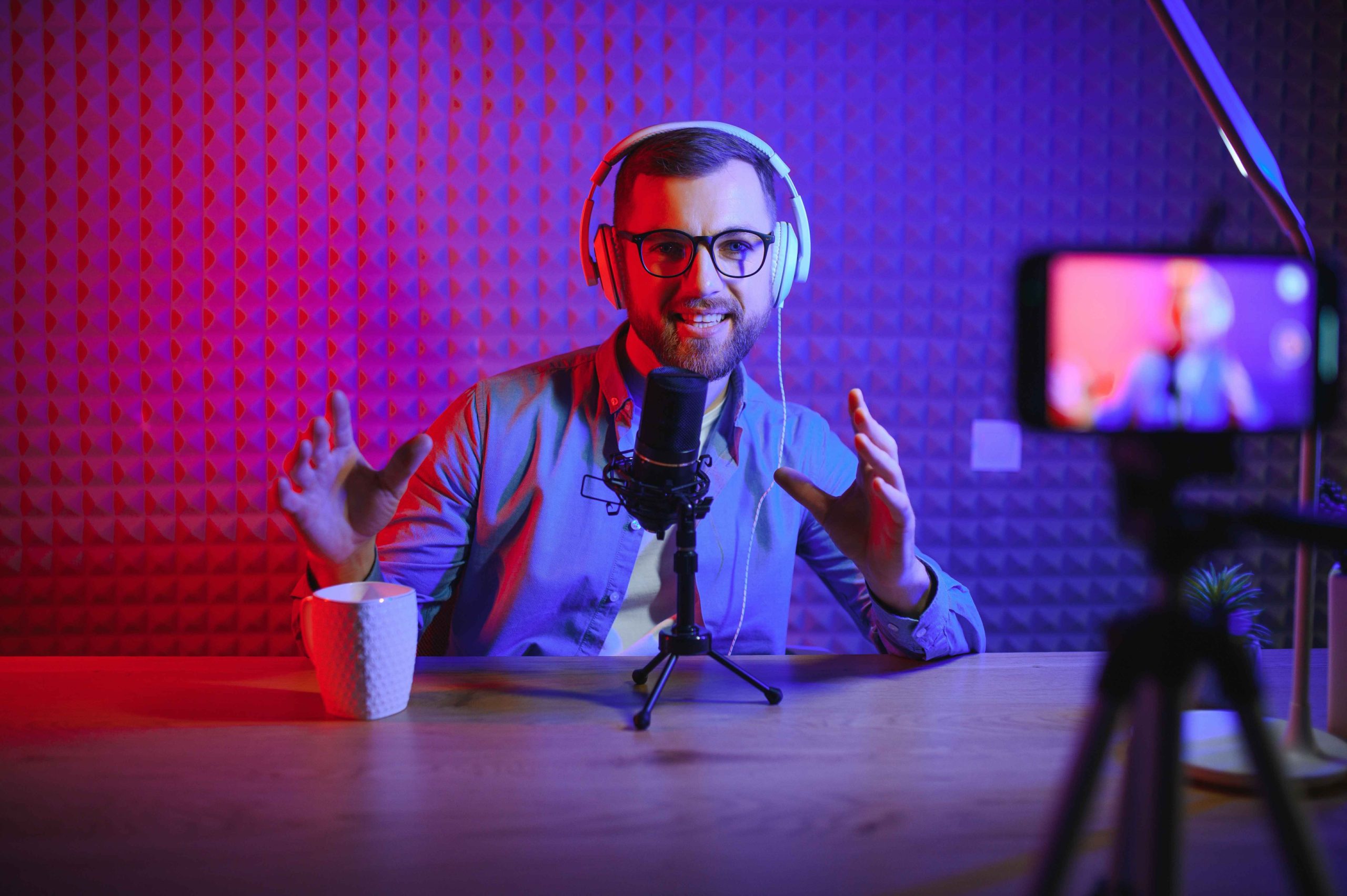
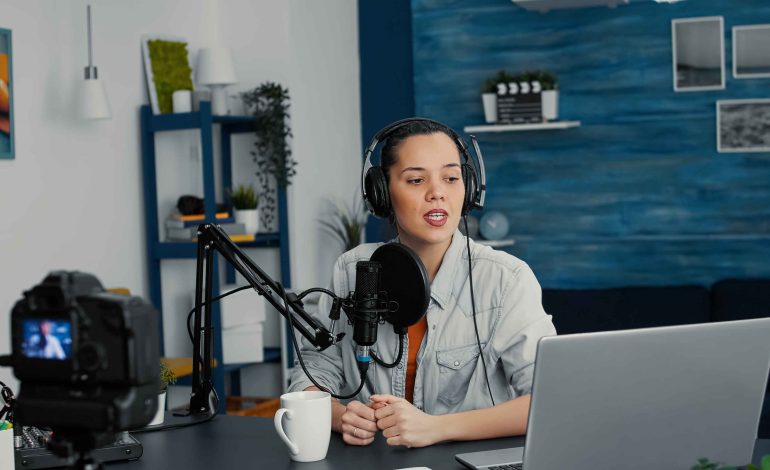
Visual quality is important for YouTube podcasts, even if audio is your primary focus.
Tips for your setup:
-
Use good lighting: Natural light or ring lights work well.
-
Ensure a clean, professional background or branded set.
-
Use a quality microphone for clear audio.
-
Consider multiple camera angles for added visual interest if possible.
Benefit: A professional-looking set builds credibility and keeps viewers engaged.
3. Record and Edit Your Podcast
Recording for YouTube requires both audio and video considerations:
-
Video recording: Use a webcam, DSLR, or smartphone with a tripod for stable footage.
-
Audio recording: Even on video, prioritize clear audio; consider using an external microphone.
-
Editing: Edit video to remove mistakes, long pauses, or distractions. Add lower-thirds, graphics, and intro/outro sequences.
Tip: Editing doesn’t have to be complicated—free tools like DaVinci Resolve or iMovie work well for beginners.
Benefit: Polished episodes make your podcast more professional and enjoyable to watch.
4. Create Eye-Catching Thumbnails
Thumbnails are the first thing viewers notice, and a compelling thumbnail can significantly increase clicks.
Tips for thumbnails:
-
Use bright, contrasting colors to stand out.
-
Include a headshot of the host or guest.
-
Add episode titles or keywords for clarity.
-
Keep the design consistent across episodes for brand recognition.
Benefit: Attractive thumbnails improve click-through rates and help your podcast gain visibility.
5. Optimize Titles, Descriptions, and Tags
YouTube SEO ensures that your podcast is discoverable:
-
Title: Use relevant keywords and a clear description of the episode content.
-
Description: Include a summary, links to podcast platforms, timestamps, and hashtags.
-
Tags: Add keywords related to your topic, niche, and guest.
Benefit: Proper optimization increases the chances of being discovered by new viewers searching for relevant content.
6. Launch Your Podcast Channel
Before publishing episodes, make sure your channel is fully prepared:
-
Add a professional banner and profile image.
-
Include a channel description that explains your podcast and niche.
-
Organize playlists for episode series or themes to encourage binge-watching.
-
Upload your first 3–5 episodes together to give new viewers multiple options.
Benefit: A well-prepared channel creates a strong first impression and encourages subscriptions.
7. Promote Your Podcast
Launching is just the beginning—you need to actively promote your YouTube podcast:
-
Share episodes on social media, email newsletters, and website.
-
Encourage guests to share episodes with their audience.
-
Engage with your audience in comments to build a loyal community.
-
Consider creating short-form clips or highlights to share on Reels, Shorts, and TikTok.
Benefit: Promotion drives traffic to your channel and builds an engaged audience quickly.
8. Monitor Analytics and Adjust
YouTube offers detailed analytics to track performance:
-
Monitor watch time, retention, and engagement to understand what resonates.
-
Track traffic sources to see where viewers find your videos.
-
Adjust content, titles, or thumbnails based on performance insights.
Benefit: Analytics help refine your strategy, ensuring your content grows and attracts the right audience.
Conclusion
Launching a podcast on YouTube involves more than just uploading video content—it requires planning, recording, editing, optimization, and promotion. By setting up a professional space, producing high-quality video and audio, optimizing for SEO, and engaging with viewers, podcasters can reach a larger audience and grow their show successfully.
Consistency, attention to detail, and strategic promotion are the keys to a successful YouTube podcast launch. With the right approach, your podcast can thrive on YouTube, complementing your audio channels and building a dedicated listener and viewer community.