
Designing Visuals for Video Podcasts:

Video podcasts are increasingly popular, offering creators a way to connect with their audience visually as well as audibly. While your voice and content are central, visual design plays a crucial role in keeping viewers engaged, reinforcing your brand, and making your podcast shareable. Thoughtful visuals can elevate your show from a simple recording to a polished, professional experience.
Here’s a comprehensive guide on designing visuals for video podcasts.
1. Branding Your Podcast Visually
Before creating individual visuals, establish a consistent visual brand:
-
Logo and colors: Your podcast logo should be clear and recognizable, and a consistent color palette helps reinforce your brand.
-
Typography: Use readable, visually appealing fonts for titles, captions, and overlays.
-
Style guide: Maintain a consistent style for graphics, lower-thirds, and animations.
Benefit: Consistent branding builds recognition and credibility, making your podcast visually memorable.
2. Creating an Appealing Set
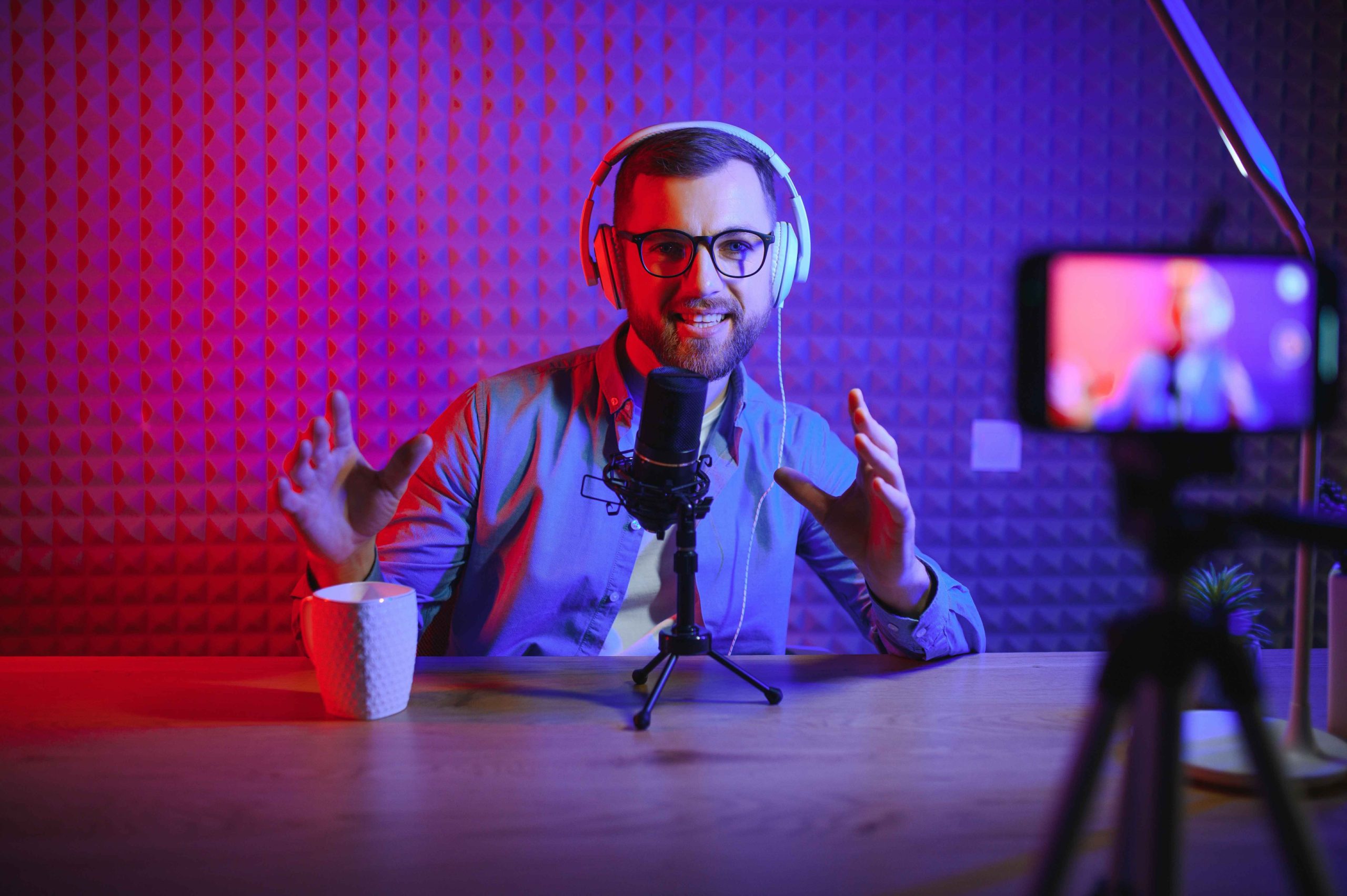
Your recording space is the backdrop for your video podcast. A well-designed set contributes to professionalism and viewer engagement.
Tips for set design:
-
Keep the background clean and uncluttered, with elements that reflect your podcast’s theme.
-
Use props sparingly to add personality without distraction.
-
Incorporate brand colors or logo elements subtly in the background.
-
Ensure good lighting to make the host and guests stand out.
Benefit: A visually appealing set keeps the focus on the content while enhancing overall production quality.
3. Designing Lower-Thirds and On-Screen Graphics
Lower-thirds and on-screen graphics provide context and information without interrupting the flow of conversation.
Tips:
-
Use lower-thirds to display names, titles, or guest information.
-
Add on-screen graphics for key points, quotes, or statistics.
-
Keep animations smooth and subtle to avoid distracting viewers.
-
Use consistent fonts, colors, and styles for a professional look.
Benefit: Well-designed graphics enhance clarity, reinforce branding, and improve viewer retention.
4. Using Visual Cues for Engagement
Visual cues can guide viewers’ attention and make your content more engaging:
-
Highlight important text using bold or contrasting colors.
-
Use arrows, icons, or highlights to emphasize key points.
-
Incorporate transitions and motion graphics to indicate topic changes or segment shifts.
Tip: Visual cues should complement the content, not overwhelm it. Subtlety is key.
Benefit: Visual guidance helps viewers follow along and absorb information more effectively.
5. Incorporating Slide Decks and Infographics
For informational or educational podcasts, slides and infographics can enhance understanding:
-
Use slides to summarize complex concepts or show step-by-step instructions.
-
Keep slides minimalistic with one main idea per slide.
-
Incorporate visuals like charts, diagrams, and illustrations to make content digestible.
Benefit: Slides and infographics make your podcast content more accessible, engaging, and shareable.
6. Creating Audiograms and Clips
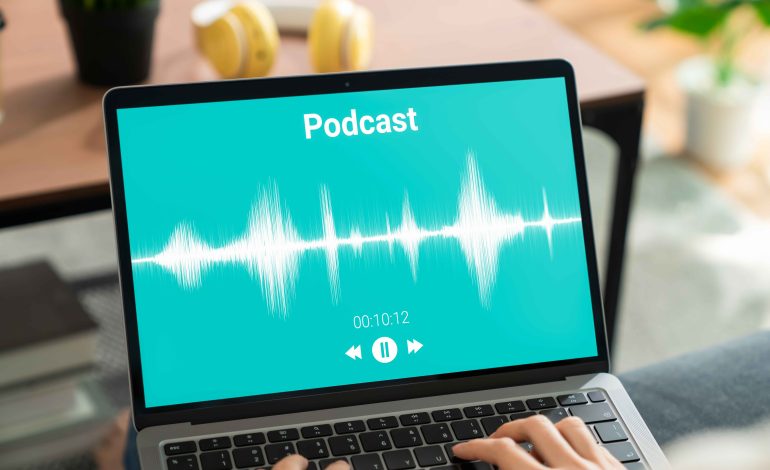
Audiograms are short video clips with animated waveforms, captions, and visuals derived from your podcast. They are perfect for social media promotion:
-
Highlight key quotes or tips from an episode.
-
Add captions for silent viewing on platforms like Instagram or TikTok.
-
Incorporate branding elements like logos and colors.
Benefit: Audiograms turn audio content into engaging visual content, expanding reach across platforms.
7. Ensuring Consistency Across Episodes
Consistency strengthens your brand and creates a professional look:
-
Use templates for graphics, lower-thirds, and slides.
-
Maintain color, font, and animation style across all episodes.
-
Keep visual pacing consistent to avoid distracting viewers.
Tip: A consistent visual style makes your podcast instantly recognizable and reinforces your brand identity.
8. Optimizing for Multiple Platforms
Different platforms have unique requirements for video content:
-
YouTube: Horizontal (16:9) format works best for full-length episodes.
-
Instagram and TikTok: Vertical (9:16) format is ideal for clips and highlights.
-
LinkedIn: Horizontal or square format works for professional audiences.
Tip: Export multiple versions of your visuals to suit different platforms and maximize reach.
Benefit: Optimizing visuals for each platform ensures content looks professional and engages viewers wherever they consume it.
Conclusion
Visuals are a powerful way to enhance your video podcast, engage viewers, and reinforce your brand. From set design and lower-thirds to slides, infographics, and social clips, thoughtful visuals make your podcast more professional, accessible, and shareable.
By maintaining consistency, optimizing for platforms, and incorporating engaging graphics and cues, podcast hosts can elevate their content beyond audio, creating a polished experience that attracts and retains viewers. Investing in quality visuals not only strengthens your brand but also helps your podcast stand out in an increasingly crowded market.